
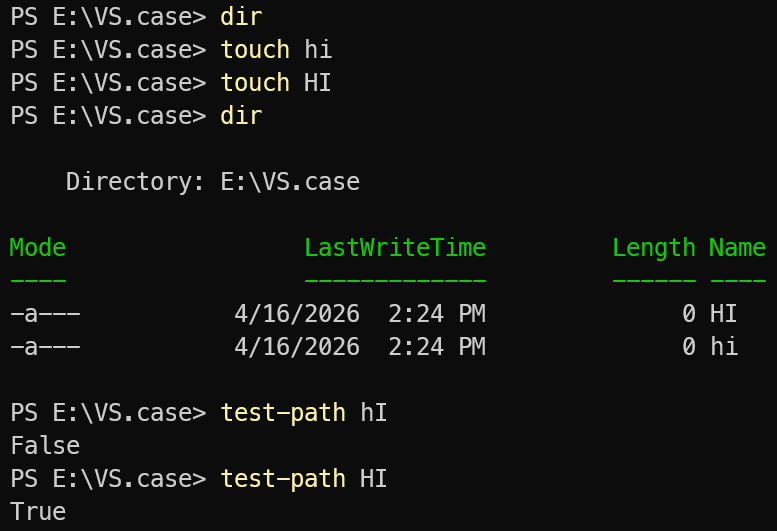
Windows is by default not case sensitive. But it can be made to be, even for specific directories.
Even if you develop software exclusively on Windows, in our modern age of cross-platform build tooling, having sloppy case-inconsistent paths throughout your repo can cause significant grief.
How to configure a git worktree for case-sensitive use/testing
If you don’t want all your work to stop immediately while you work out case sensitivity issues, the way to test drive your repo in a case sensitive file system is to create a git worktree that acts as a sandbox, while leaving your main repo case insensitive so you can still get work done.
We will suppose that e:\repo.case is to be the case-sensitive worktree:
Unelevated commands
md e:\repo.caseElevated commands
fsutil.exe file setCaseSensitiveInfo e:\repo.case enableUnelevated commands
In a directory where you already have your repo cloned:
git worktree add e:\repo.case origin/main
cd e:\repo.case
git config extensions.worktreeConfig true
git config --worktree core.ignorecase false
Congratulations. You now have a case-sensitive worktree of your repo.
You might find things fall over all over the place until you clean up the file paths to use canonical casing.