
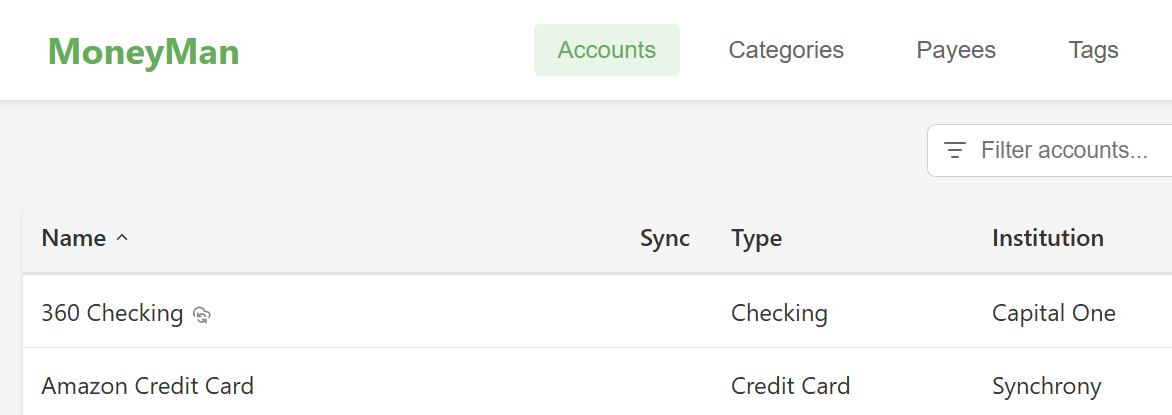
I’m thrilled to announce the first public release of MoneyMan: personal financial software.
Most personal finance software wants your data first and your trust second. MoneyMan takes the opposite approach. It is a local-first desktop app for people who want serious bookkeeping, investment tracking, tax-lot accuracy, and optional sync without handing their financial life to a browser tab.
Money Man is built for people who care about the details: clean registers, double-entry accounting, reports that help you understand what happened, and investment tools that do not fall apart the moment taxes enter the picture.
Oh, and it has to be able to import from Quicken, which until now was the only tool that could (sorta) do the job. I’ve been using Quicken since Microsoft retired Money, what… 15 years ago?
Download MoneyMan today.
What MoneyMan Is Good At
MoneyMan handles the day-to-day basics well, but it also goes deeper than most budgeting apps.
- Local-first desktop app with offline-friendly workflows
- True double-entry accounting under the hood
- Unlimited accounts and transactions on the free plan
- OFX/QFX and QIF import for moving in from other tools
- Split transactions, transfers, reconciliation, and recurring transactions
- Investment tracking with tax lots, realized gains, dividends, stock splits, and crypto support
- Reports for net worth, cash flow, category spending, budgets, and taxes
- Optional multi-device sync and bank connections when you want more automation
If you have ever used software that was fine for a checking account but weak on investments, or good at charts but poor at data integrity, MoneyMan is aiming directly at that gap.
Or if Quicken did the job, but you noticed it was slow, and buggy, and … seemingly abandoned by its owning company… then you gotta give MoneyMan a try.
Built For Real Financial Records
MoneyMan is not a toy ledger. Transactions are modeled with proper line items, transfers stay atomic, and account balances are grounded in accounting rules instead of UI shortcuts. That matters when your file gets large, when you import years of history, or when you are trying to understand exactly why a number changed. And yet, the areas you use most are refined for intuitive and quick data entry.
For investments, MoneyMan tracks tax lots and supports workflows that many personal finance apps skip or flatten away. That includes historical prices, dividends, reinvestments, stock splits, and capital-gains reporting. If you care about cost basis, not just portfolio cosmetics, this is the interesting part.
Import Without Starting Over By Hand
Moving into a new finance app is usually where good intentions die. MoneyMan is designed to make that less painful. I’ve wanted to ditch Quicken for several years due to its sluggish UI that wasn’t DPI aware, bugs that led to occasional data corruption, etc.. But there was no alternative. The newer financial apps that are either online or mobile are designed for very simple use cases (basic budgeting or single account management).
MoneyMan supports OFX/QFX and QIF import, including migration-friendly workflows for older data. That means you can bring in bank and brokerage history, review imported transactions, detect duplicates, and keep building from a file you control.
For privacy-conscious users, that may be enough forever. You can run MoneyMan as a fully local finance system and never depend on a subscription to keep your core books usable.
Reports That Earn Their Keep
MoneyMan includes reports for net worth, income and expenses, cash flow, budget performance, and tax-oriented investment analysis. The point is not just to generate a chart. The point is to give you something you can drill into and verify.
That makes MoneyMan useful in two very different moods: when you want a quick answer, and when you want to audit the answer.
Screenshots
These are just a couple of screenshots of the app with mocked demo data. More screenshots are available over at the MoneyMan product page.
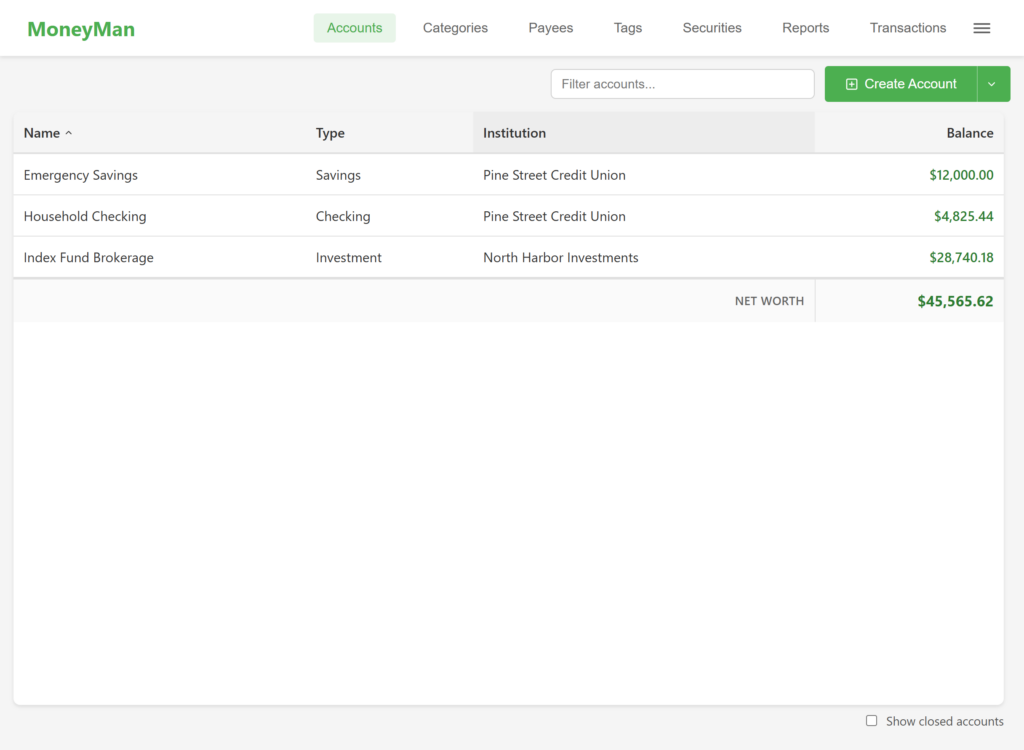
A clean accounts view with balances, institutions, and net worth in one place.
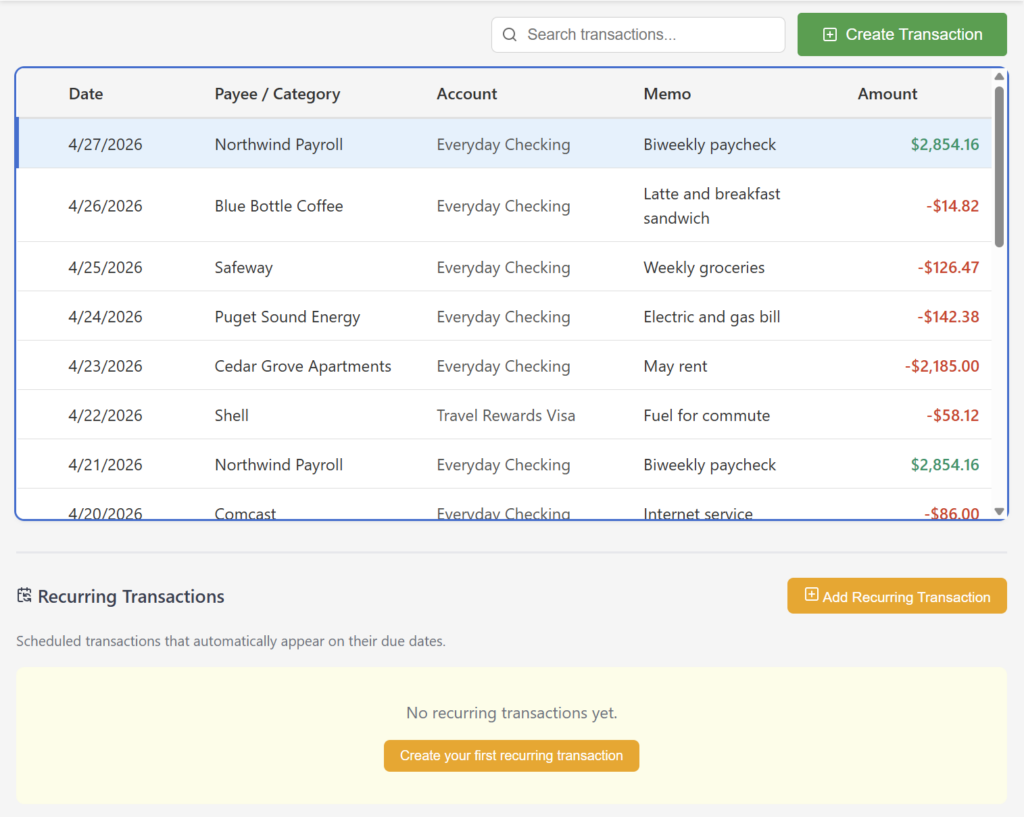
A single transaction view that mixes checking, credit-card, transfer, and brokerage activity without becoming hard to scan.
Pricing: Free First, Then Two Paid Paths
MoneyMan starts with a local Premium 30-day trial on each device. That gives new users room to explore premium local features and Sync Spaces before deciding whether they want to stay fully local or subscribe for more connected features. Bank connections are still reserved for the Connected plan.
Oh, and until I can jump through all the hoops necessary to accept cash payments for the paid subscriptions, I’m delighted to say that these subscriptions are payable in Zcash. Woot woot!
After the trial, there are three ways to use MoneyMan:
Free
The free tier keeps the foundation intact:
- Unlimited accounts and transactions
- Manual entry
- OFX/QFX and QIF import
- Local-only storage
- Core bookkeeping workflows
This is an important part of the product. MoneyMan is not trying to lock basic personal finance behind a paywall.
Premium
Premium is for users who want richer local capabilities, including reports, investment-focused workflows, and security price access, without necessarily needing bank connections.
Connected
The Connected plan is $5 per month.
It includes everything in Premium, then adds the convenience layer:
- Multi-device sync
- Bank connections
- More automated data access for people who want less manual work
If Free is for private, hands-on bookkeeping and Premium is for power users working locally, Connected is for people who want MoneyMan to do more of the fetching and syncing for them.
Why This Pitch Is Different
A lot of finance tools sell convenience first. MoneyMan sells control first, then lets you add convenience where it makes sense.
That means:
- Your core data can stay local
- The free product is still genuinely useful
- Paid plans are about additional capability, automation, and connected services
- You do not have to choose between serious accounting behavior and a modern desktop UI
If that sounds like the right tradeoff, MoneyMan is worth a look.
Go download MoneyMan and give it a try. Let me know what you think.